
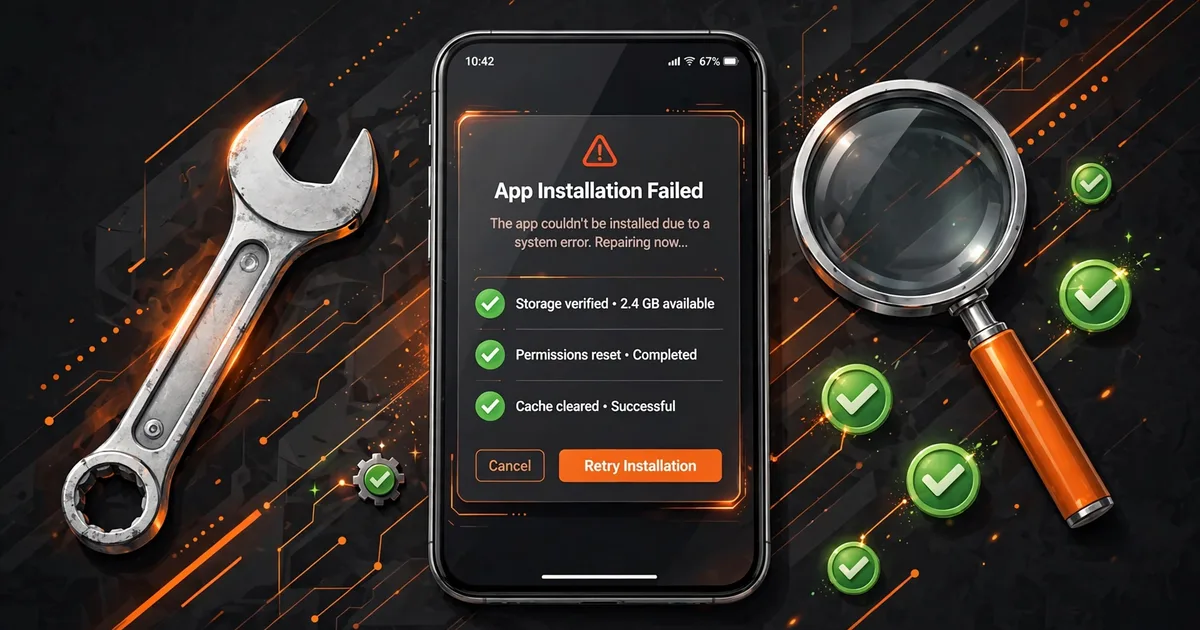
Fix "App Not Installed" Error for Macro Space (5 Proven Fixes)
"App not installed" is Android's way of saying the install was blocked, and with Macro Space, the block is almost always one of three things: a signature conflict with an existing build, a corrupted download, or insufficient storage. The message itself never tells you which one, which is why people retry the same broken install five times. Work through the causes in order below and you will have it installed in minutes. Make sure you have the app from the official macro panel site installed first.
Before anything else, do the 30-second triage: check that the APK file you downloaded is actually complete (v5 should be 8.7 MB, a smaller file was cut off mid-download), and check that your phone has at least 200 MB of free space. Those two checks resolve a surprising share of cases without touching any settings.
Key takeaways: Check the file first: Macro Panel APK v5 is 8.7 MB, anything smaller is a broken download. 'App not installed' usually means a signature conflict with an older build on the phone; back up settings, uninstall the old build, install fresh. Keep 200 MB free and confirm Android 5.0+.
Cause 1: signature conflict with an existing build
This is the number-one cause. Android identifies an app by its package name plus its developer signature. Macro Space v5 uses the com.outer.space package, but older builds floating around the internet (the v2 lineage and various repacks) were signed by different developers. If one of those is on your phone, Android refuses to install the new file over it, because as far as the system is concerned, a stranger is trying to replace your app.
The fix is a clean install, in order: first screenshot your panel settings (every tab, you will lose them), then uninstall the old build, then install the new APK fresh. Don't skip backup; uninstalling wipes the data folder with no undo. After installing, re-enter settings and re-grant the overlay permission.
Cause 2: corrupted or incomplete download
The second most common cause is a file that never finished downloading. Mobile browsers and download managers sometimes report a download as "complete" when the connection dropped early, the result is an APK that looks right in your downloads folder but fails to parse during install. For a deeper dive, check our guide on install on Android 14/15.
Verify by file size: the genuine v5 build is 8.7 MB. If your file is 3 MB, 5 MB, or anything clearly short of that, delete it and re-download over stable Wi-Fi rather than mobile data. If the size looks right but the install still fails with a parse error ("There was a problem parsing the package"), the file is corrupted internally, re-download from a different trusted source rather than retrying the same file. Pair this with clean uninstall for the complete setup.
Cause 3: storage, Android version, and blocked installs
Android needs working space beyond the APK's own size, keep at least 200 MB free before installing. The panel also requires Android 5.0 or higher; on older phones the installer fails without a useful explanation, so check Settings → About phone if you are on an aging device.
Two subtler blockers: some phones ship with a security or "phone manager" app that silently blocks unknown installs even after you granted the permission, check its settings or temporarily disable it during install. And on Android 12 and newer, the "Install unknown apps" permission is granted per source app; if you granted it to Chrome but are installing from your file manager, the install will fail. Grant it to the exact app you are installing from: Settings → Apps → Special app access → Install unknown apps.
The step-by-step fix order
- Step 1: Confirm the APK is 8.7 MB. If not, re-download over Wi-Fi.
- Step 2: Free up 200 MB+ of storage.
- Step 3: Check Android version is 5.0+ and the install-unknown-apps permission is granted to the app you are installing from.
- Step 4: If an older Macro Space build is installed, screenshot your settings, uninstall it, then install the new APK.
- Step 5: Still failing? Reboot the phone (clears stuck installer states) and try once more before assuming the file itself is bad.
Work the list top to bottom without skipping. Nine times out of ten the problem is in steps 1-4, and step 5's reboot catches most of the rest, Android's package installer occasionally wedges itself, and a restart is the only fix it respects.
After a successful install
Open the panel immediately and grant the overlay / display-over-apps permission when prompted, this is the permission the whole tool depends on, and dismissing the prompt by accident is the next most common support question after installation itself. Then restore your settings from the screenshots if you did a clean install, and run one training-ground drill per weapon before playing ranked. A fresh install resets everything to defaults, and defaults are tuned for nobody's phone in particular.
FAQs
What does 'App not installed' mean when installing Macro Space?+
It's Android's generic refusal, the install was blocked, not broken. The three common triggers with Macro Panel APK: a signature conflict with an existing build, a corrupted or incomplete download, or insufficient storage space.
Can a corrupted download cause 'App not installed'?+
Yes, and it's the easiest cause to check. Macro Panel APK v5 is 8.7 MB, if your file is noticeably smaller, the download was cut off. Delete it and re-download from a trusted source, preferably over stable Wi-Fi.
Will clearing data of the old version fix the error?+
Sometimes. If the conflict is stale data rather than a signature mismatch, clearing the old app's storage (Settings → Apps → Macro Space → Storage → Clear data) and retrying can work. If the error persists, a full uninstall and fresh install is the reliable fix.
I have enough storage and the file is complete, but it still fails. What now?+
Check two things: whether your Android version meets the 5.0+ requirement, and whether a security or cleaner app is blocking unknown installs in the background. As a last resort, reboot into Safe Mode and install there to rule out interference from other apps.
Bottom line: The error is a blocked install, not a broken phone: verify the 8.7 MB Macro Panel APK file, free 200 MB, fix signature conflicts with a backed-up clean install, and confirm the unknown-apps permission for your installer app.

Viktor Kane , Gaming Performance Analyst
Viktor Kane has benchmarked 300+ gaming utility apps on real Android devices since 2020. He specializes in Free Fire performance tools, testing sensitivity panels and macro utilities on a rack of budget to flagship phones before any download button goes live.