
Macro Space Permissions Explained: What It Asks For and Why
Every permission an app requests is a question about trust, and you should know exactly what you're answering. Macro Panel APK (Macro Space v5) asks for a small set of permissions, each tied to a visible feature. This guide translates every request into plain language, flags what the real panel should never ask for, and shows you how to audit and revoke permissions like someone who takes their phone seriously. Make sure you have the app from the Macro Space APK installed first.
Key takeaways: In Macro Panel APK, the overlay permission is the essential one, it's literally the floating panel. Storage saves your presets, network checks for updates, and accessibility powers only the macro automation features. Contacts, SMS, location, camera, or microphone requests mean you're holding a fake, uninstall immediately.
Permission by permission
| Permission | Why it's needed | Required? |
|---|---|---|
| Display over other apps | Draws the floating panel over Free Fire | Yes, it's the product |
| Run in background / foreground service | Keeps the overlay alive during matches | Yes |
| Storage | Saves/loads your sensitivity and DPI presets | Recommended |
| Network access | Update checks and config fetching | Recommended |
| Notifications | Update alerts, service status | Optional |
| Accessibility service | Powers macro automation features only | Only if you use macros |
The overlay permission, in detail
"Display over other apps" (SYSTEM_ALERT_WINDOW) is the permission the entire Macro Panel APK is built on. It lets Macro Space draw its floating button and settings window on top of Free Fire. Without it, the app opens fine but nothing appears over the game, which is exactly the symptom in our overlay troubleshooting guide. On Android 14+, this permission sits behind the "restricted settings" gate for sideloaded apps, which is why fresh installs on new Android versions need the extra unlock step. Grant it once, verify the floating button on your home screen, and you're set.
Accessibility: the one to think about
Accessibility is Android's most powerful app permission, it can observe screen content and perform taps and gestures. Macro Space's macro tab uses it to run automated action sequences. Here's our stance: grant it only if you actually use the macro automation features. If you only touch sensitivity, DPI, and performance tools, you don't need it, and leaving a powerful permission ungranted is simply good hygiene. And critically: never grant accessibility to a panel copy from an untrusted source. A malicious app with accessibility access can do nearly anything, it's the permission malware wants most.
What the real panel never asks for
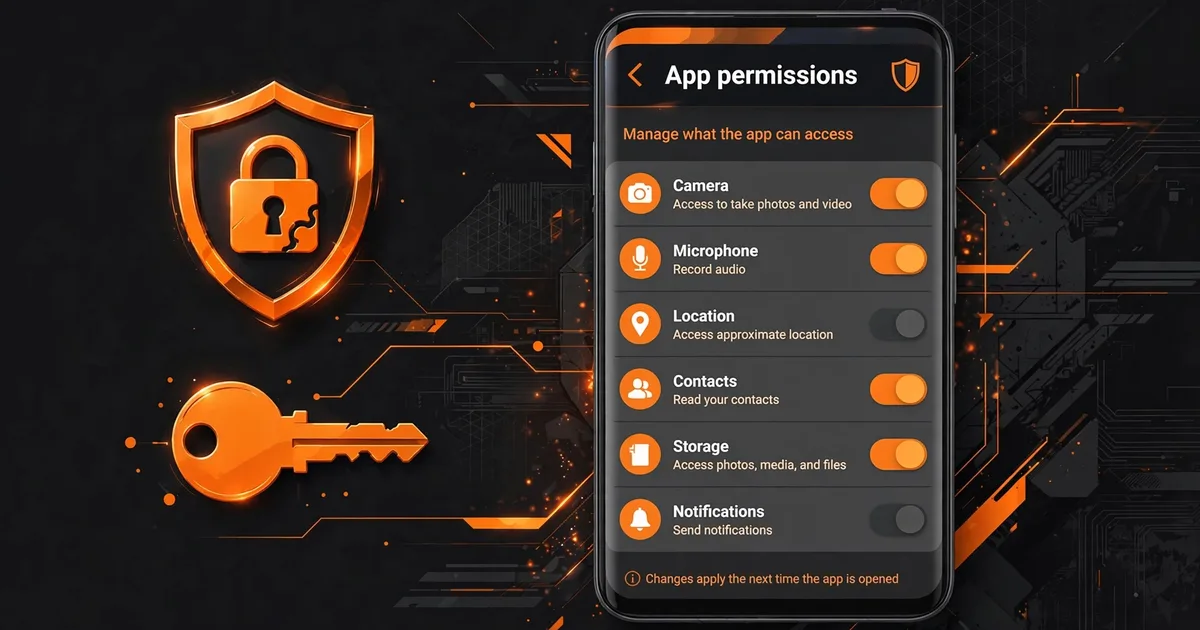
This is your fake-detector. The legitimate panel has zero reason to request any of these, and a build that does is repackaged: For a deeper dive, check our guide on Android 14/15 install.
- Contacts, call logs, SMS, the classic data-theft trio. Instant uninstall.
- Location, a gaming overlay has no use for where you are.
- Camera or microphone, nothing in the panel records anything.
- Your Free Fire / Facebook / Google login, the panel never needs credentials. This is phishing, full stop.
If any "Macro Space" asks for these, uninstall it, and if you entered credentials anywhere, change those passwords immediately. Once you have this down, move on to ban risk explained.
How to audit permissions yourself
Don't take any site's word for it, checking takes thirty seconds: Settings → Apps → Macro Panel APK → Permissions shows everything granted, and Settings → Apps → Special app access shows the powerful ones (overlay, unrestricted data, battery). Compare what you see against the table above. Anything granted that you don't recognize or don't use, toggle off, Android revokes freely, and the worst outcome is a feature politely asking for it back when you next tap it. For best results, combine this with fix overlay not showing issues.
Make this a habit after every system update, too. Major Android upgrades occasionally reset special app access silently, which is behind a whole genre of "it worked yesterday" mysteries.
Clean uninstall: removing everything
When you're done with Macro Panel APK, switching versions, taking a break, do it properly. First revoke the sensitive permissions (overlay, accessibility) in Settings, then uninstall from Settings → Apps (not just the home-screen icon, which can leave the app behind on some launchers). Then check your file manager for any leftover panel folder and delete it. A clean uninstall leaves no floating services, no background processes, and no stale permissions, which also means a future reinstall starts from a known-good state instead of inheriting old problems.
The 30-second trust test for any APK
Apply this to every gaming tool you ever sideload, not just this one: before granting anything, read the full permission list and ask "does this feature need this?" Overlay for a floating panel, yes, obviously. Storage for saved presets, reasonable. Contacts for a sensitivity tool, absurd, walk away. Most malicious repacks are caught at this step by anyone who takes it. Permissions aren't fine print; they're the app telling you exactly what it plans to do. Believe it.
FAQs
Why does Macro Space want accessibility access?+
Accessibility lets an app observe and interact with on-screen content, which the panel's macro automation features use to trigger scripted actions. It is the most powerful permission on Android, grant it only if you actually use the macro features, and never grant it to a copy of the app from an untrusted source.
Is it safe to grant all the permissions the panel asks for?+
Grant what the features you use need, deny the rest. The overlay permission is essential, without it there is no floating panel. Storage and network are reasonable. Accessibility deserves a deliberate yes-or-no based on whether you use macro automation. Anything beyond that list deserves suspicion.
How do I take permissions back from the panel?+
Go to Settings → Apps → Macro Space → Permissions and toggle anything off. Android lets you revoke freely, the worst case is a feature stops working until you re-grant it. Revoking the overlay permission simply hides the floating panel; your saved settings stay intact.
A version of the panel asked for my contacts. What do I do?+
Uninstall it immediately, that is not the real panel. Macro Space has no legitimate reason to touch contacts, SMS, call logs, location, camera, or microphone. A build requesting those is repackaged, and repackaged builds are how credential theft happens.

Viktor Kane , Gaming Performance Analyst
Viktor Kane has benchmarked 300+ gaming utility apps on real Android devices since 2020. He specializes in Free Fire performance tools, testing sensitivity panels and macro utilities on a rack of budget to flagship phones before any download button goes live.