
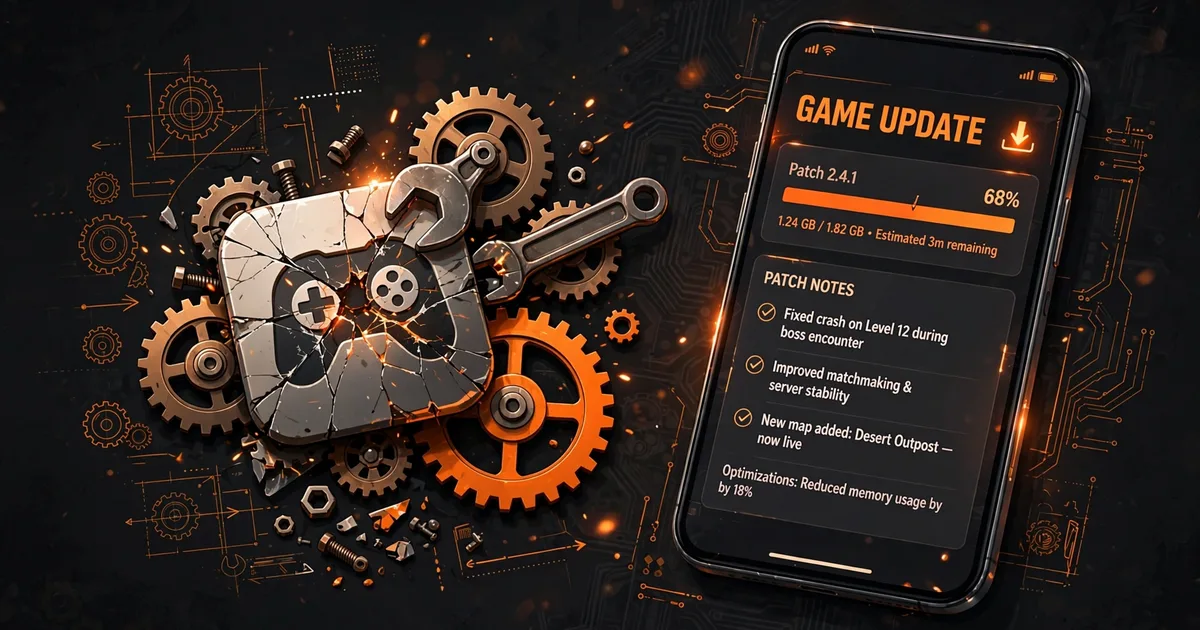
Free Fire OB Update Broke Your Panel? Here's the Fix
Every Free Fire OB update breaks Macro Panel APK for a few days, it's clockwork, not bad luck. The game client changes underneath the panel, the overlay misbehaves, settings act strangely, and panicked players install sketchy "fixed" copies that cause the real damage. This guide explains why OB patches break things, gives you the recovery checklist, and shows you the before-OB-day backup habit that makes the whole cycle painless. Grab the latest build from the download Macro Panel page before you start.
Key takeaways: OB updates change the game client Macro Panel APK was built against, breakage is expected. Recover by updating the panel (not the game first), clearing its cache, and re-granting permissions. Never install random "OB fixed" copies; wait 24-72h for the real update. Screenshot your settings before every OB day.
Why OB updates break panels
An OB (Open Beta turned live) update is a major Free Fire patch: new client build, changed internal structures, refreshed anti-cheat signatures, sometimes a reworked UI. Macro Space was tuned against the previous client, its overlay hooks, timing assumptions, and feature behaviors all target a game that no longer exists on your phone. The typical symptoms: the floating panel won't appear over the updated game, sensitivity feels "off" despite unchanged numbers, or features that worked yesterday do nothing today. None of this means your panel is dead, it means it's out of sync. If you want to go further, see safe update method.
Quieter second effect: anti-cheat is most aggressive right after a major update, when detection is freshly calibrated and hunting anomalies. That's a risk factor, not just an inconvenience, see the cool-off advice below.
The 6-step recovery checklist
Work in this order, sequence matters:
- 1. Update the panel first. Check our download page for a new Macro Panel APK version built for the OB patch. The panel update is the actual fix; everything else is support work.
- 2. Then update Free Fire. Panel first, game second. Updating the game while running an outdated panel is how you get the worst version of the breakage.
- 3. Clear the panel's cache. Settings → Apps → Macro Space → Storage → Clear cache (not data). Stale cached state from the old client is a classic cause of ghost misbehavior.
- 4. Re-grant the overlay permission. Major updates on either side can silently revoke special app access. Confirm "Display over other apps" is still on, plus the battery exemption.
- 5. Re-enter your settings. If values were wiped or feel wrong, restore from your pre-OB screenshots (you took them, right?).
- 6. Test in training ground. Verify the overlay opens over the game and drags feel right before queueing ranked. Ten quiet minutes beats a tilted ranked session.
The 48-hour rule
If no panel update exists yet, wait, don't improvise. During the 24-72h gap, Telegram channels flood with "OB FIXED" copies. These are repackaged old builds at best, malware at worst, they can't contain a fix that doesn't exist yet. The players who lose accounts in OB week are the ones who installed a panic download, not the ones who waited. Once you have this down, move on to version comparison.
Before OB day: the 2-minute backup habit
OB dates are announced in advance, use that warning. The evening before the patch lands, open Macro Panel APK and screenshot every settings tab: sensitivity sliders, DPI value, weapon-wise tabs, GFX/FPS presets. Save them to a dedicated album. This is your entire disaster-recovery plan: if the update wipes settings or you need a clean reinstall, you restore your exact setup in two minutes instead of re-tuning from zero. Players who do this treat OB week as a minor interruption; players who don't treat it as a catastrophe. The difference is four screenshots.
Play it cool for a few days
Post-update is the highest-scrutiny window in the Free Fire calendar. For the first 48 hours after the panel works again: stick to casual modes, keep macro automation off, and test new panel versions on a guest account first. Detection is watching closely, give it nothing to see.
What NOT to do in OB week
- Don't install "fixed" copies from unofficial sources. If the fix were real, it would be on the official download page.
- Don't grant new permissions to panic-downloaded apps. Especially accessibility, that's the permission malware wants most, and OB week is prime phishing season.
- Don't factory-reset your phone. The problem is client sync, not your device. A reset costs hours and fixes nothing.
- Don't rage-tweak every slider. "Feels off after update" is usually the client change, not your settings. Restore your known-good numbers and wait for the panel update.
The OB-week playbook, on one line
Screenshot settings before the patch. Update the panel before the game. Clear cache, re-grant permissions, test in training ground. Wait out the gap instead of panic-downloading, and cool off in casual modes for 48 hours. The panel will catch up, it always does. Your job is simply to not break anything while it does.
FAQs
How long until Macro Space works again after an OB update?+
Usually 24-72 hours. The panel needs an update to match the new game client, and that takes testing. If the overlay broke the morning of the patch, check our download page for a new panel version after a day or two rather than installing random "fixed" copies.
Should I update Free Fire on OB day one?+
If you depend on the panel, wait a day. Updating the game immediately while the panel hasn't caught up guarantees a broken setup. Let the panel update land first, then update the game, order matters.
My sensitivity settings were wiped by the update. Can I get them back?+
Only if you backed them up. Screenshot your sensitivity, DPI, and weapon tabs before every OB update, it takes a minute and it's the only reliable restore method. Without screenshots, you'll re-run the tuning drill from our sensitivity guide.
Is it riskier to use the panel right after an OB update?+
Yes. Anti-cheat systems are most aggressive in the days following a major update, when they're calibrating against new client behavior. Give it 48 hours, stick to casual modes, and keep macro automation off until the dust settles.

Viktor Kane , Gaming Performance Analyst
Viktor Kane has benchmarked 300+ gaming utility apps on real Android devices since 2020. He specializes in Free Fire performance tools, testing sensitivity panels and macro utilities on a rack of budget to flagship phones before any download button goes live.