
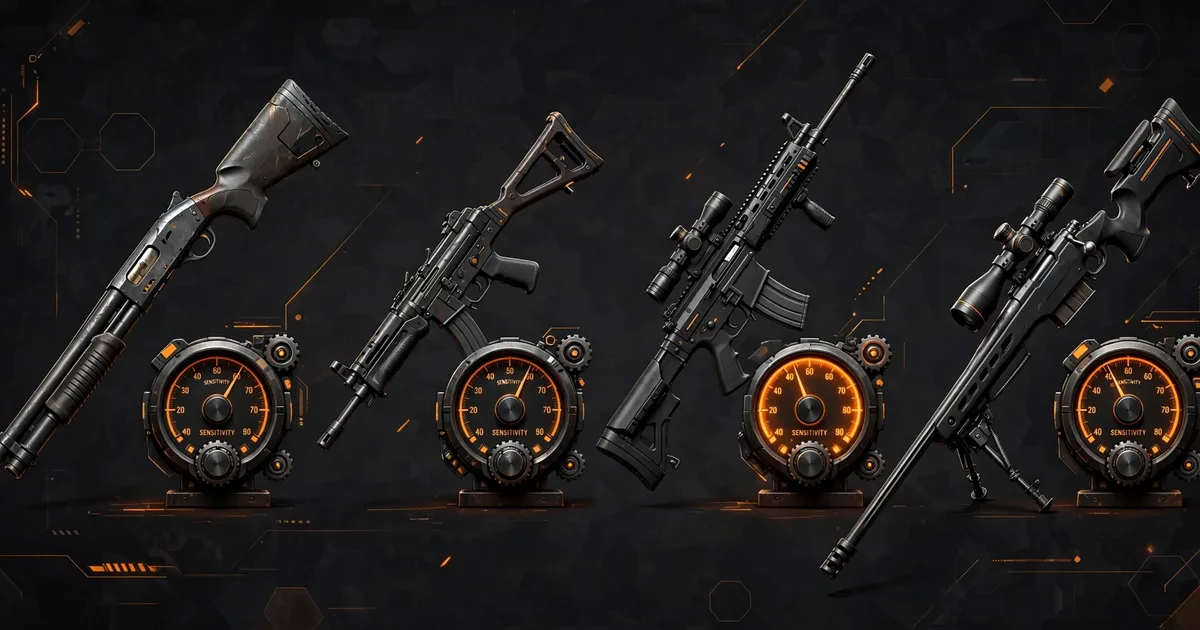
Macro Space Weapon-Wise Sensitivity Guide: M1887, MP40, AK, AWM
Weapon-wise sensitivity is per-gun aim tuning in Macro Panel APK: separate drag-speed profiles that switch automatically when you change guns. Your M1887 can snap fast for close-range drag headshots while your AWM stays slow and precise for scopes, which is why two players with identical global settings can have completely different aim. Make sure you have the app from the macro panel app installed first.
An M1887 fight is decided in under a second at arm's length: fast 180-degree turn, instant upward drag. An AWM fight happens across the map, where one extra pixel of drag misses the head. No single value serves both, players on one global setting spin too fast on the sniper or too slowly on the shotgun, and blame their reflexes instead of the setting. For a deeper dive, check our guide on general sensitivity.
This guide gives starting values for the four most-asked weapons, M1887, MP40, AK-47, AWM, plus a 20-minute tuning method for your phone. Treat the numbers as launch points: screen size, touch sampling, and DPI all shift the ideal value. The method matters more than the numbers. Once you have this down, move on to headshot techniques.
Key takeaways: In Macro Panel APK, weapon-wise profiles sit on top of global sensitivity, lock global first, then tune per gun. M1887 wants the fastest profile (95-100), AWM the slowest (40-50 scope), with MP40 and AK in between. Re-tune after any DPI change or major Free Fire update.
Where the weapon tab lives and how it works
In Macro Panel APK, open the floating panel while Free Fire runs and find the Weapon Sensitivity tab. Each weapon gets its own sliders, per-weapon offsets layered on your global baseline. Keep global stable as your comfort zone; nudge individual weapons relative to it.
Switching weapons swaps the active profile automatically, nothing to toggle mid-fight. Set global sensitivity for general movement, then use the weapon tab only to fix the guns that feel wrong. Most players adjust three or four weapons; the rest can sit at neutral.
M1887: the close-range snapper
The M1887 is a one-pump shotgun: spin, drag up, fire, one fast motion. It wants the fastest profile in your setup, around 95-100. At close range you're dragging body-to-head in centimeters of screen; anything slower loses the race to the enemy's trigger.
Drill the real motion in the training ground: 180-degree turn into an upward drag, ten times. Crosshair stopping below the head means raise the value 3-5; flying past it means lower it. Two or three rounds and the value is yours.
MP40: controlled aggression
The MP40 is a spray weapon, hold the trigger and track, needing speed with control. Start at 90-95 general, 75-85 red dot. Too fast and the spray walks off mid-magazine; too slow and strafing enemies outrun your crosshair.
Drill it on a strafing bot: hold a full magazine while mirroring its movement. Bullet line lagging behind means add speed; zigzagging across the target means drop 3-5 points. Spray tracking punishes jerky input, so keep a stable grip and steady thumb pressure.
AK-47: the all-rounder
The AK sits between SMG and sniper, and its profile should too: 85-90 general, 70-80 red dot, 60-70 on 2x. Tune for the opening drag, not sustained fire, the AK rewards the first bullets of a burst. Practice: scope in, drag up, three-round burst.
Run the AK slightly slower than feels exciting, its strength is mid-range duels against small targets. If close quarters feel sluggish, switch to the MP40 or M1887 there instead of speeding up the AK and ruining its mid-range.
AWM: slow is smooth
The sniper scope punishes excess sensitivity most. Start the AWM at 40-50 scope sensitivity, roughly half your close-range values. At 8x zoom a millimeter of thumb moves the crosshair across the whole target; precision comes from slowness.
Counterintuitive sniper rule: missing moving targets usually means lower the value, AWM misses are almost always overshoots. Drop 5 points and practice leading targets; raise it again only if the crosshair genuinely can't keep up with a sprinting enemy.
The 20-minute tuning method
The method: Step 1, lock global sensitivity and don't touch it again. Step 2, tune one weapon at a time with the drills above. Step 3, change one slider per test round, and write down the best value before moving on. Twenty minutes, four weapons, done.
"Write it down" is not optional, a screenshot of each weapon tab takes ten seconds and saves a full re-tune after any update or accidental reset.
Three mistakes that ruin weapon profiles
- Copying a YouTuber's exact values. Different screen, touch sampling, and DPI, use their values as a starting neighborhood, then tune.
- Changing everything at once. Adjust global, DPI, and four profiles in one session and you'll never know which change mattered. One variable at a time.
- Forgetting the DPI interplay. DPI multiplies every sensitivity slider, change it and all four profiles need re-checking. This is the top cause of "my aim felt perfect yesterday" complaints.
FAQs
What is weapon-wise sensitivity in Macro Space?+
Per-weapon aim profiles inside Macro Panel APK's weapon tab. Each gun gets its own drag-speed value, and the active profile switches automatically when you change weapons in a match.
Do I still need global sensitivity if I use weapon-wise profiles?+
Yes, global is your baseline, weapon profiles are fine-tuning on top. Lock a comfortable global value first, then adjust each weapon's offset relative to it.
Why do my weapon profiles feel wrong after I change the DPI setting?+
DPI changes crosshair travel per millimeter of drag, so every profile tuned at the old DPI is now off. Re-check each weapon in the training ground after any DPI change.
Will my weapon-wise settings still work after a Free Fire update?+
Usually yes, but major OB updates can change how the game reads touch input. If aim feels off after an update, re-run the tuning drill rather than assuming the panel broke.
Bottom line: One global value can't serve a shotgun and a sniper. Set per-weapon profiles in Macro Panel APK, fastest for M1887, slowest for AWM, and screenshot your values.

Viktor Kane , Gaming Performance Analyst
Viktor Kane has benchmarked 300+ gaming utility apps on real Android devices since 2020. He specializes in Free Fire performance tools, testing sensitivity panels and macro utilities on a rack of budget to flagship phones before any download button goes live.