
Best Sensitivity Settings for Macro Space v5 (Tested Guide)
Copying a random YouTuber's sensitivity into Macro Panel APK (Macro Space v5) will not give you their aim, it will give you their phone's aim on your phone. Sensitivity is the single biggest lever in Free Fire gunfights, but it only works when it matches your screen size, refresh rate, and fingers. This guide gives you tested baseline numbers for v5, explains why they work, and shows you how to tune them to your exact device in about ten minutes. Grab the latest build from the official Macro Panel download page before you start.
Everything below was verified hands-on in Macro Panel APK, the Macro Space v5 build (8.7 MB, com.outer.space), across our test phones, from a 60Hz Galaxy A13 to a 120Hz Pixel 8. The numbers are starting points, not gospel, the tuning method at the end is what turns them into your settings.
Key takeaways: Start at General 95, Red Dot 80, 2x 70, 4x 60, Sniper 45. Lower-end 60Hz phones should drop General to ~90 to avoid overshoot. Tune one slider at a time in the training ground, in 5-point steps, never change everything at once.
The baseline settings we recommend
Our recommended starting values for first-time Macro Panel APK setup:
| Setting | Value | Why |
|---|---|---|
| General | 95 | Fast drag headshots without losing spray control |
| Red Dot | 80 | Close-range tracking stays glued to moving targets |
| 2x Scope | 70 | Mid-range AR sprays stay on the head line |
| 4x Scope | 60 | Scoped shots stop drifting past the target |
| Sniper Scope | 45 | AWM drags need precision, not speed |
| Free Look | 65 | Comfortable camera checks without dizziness |
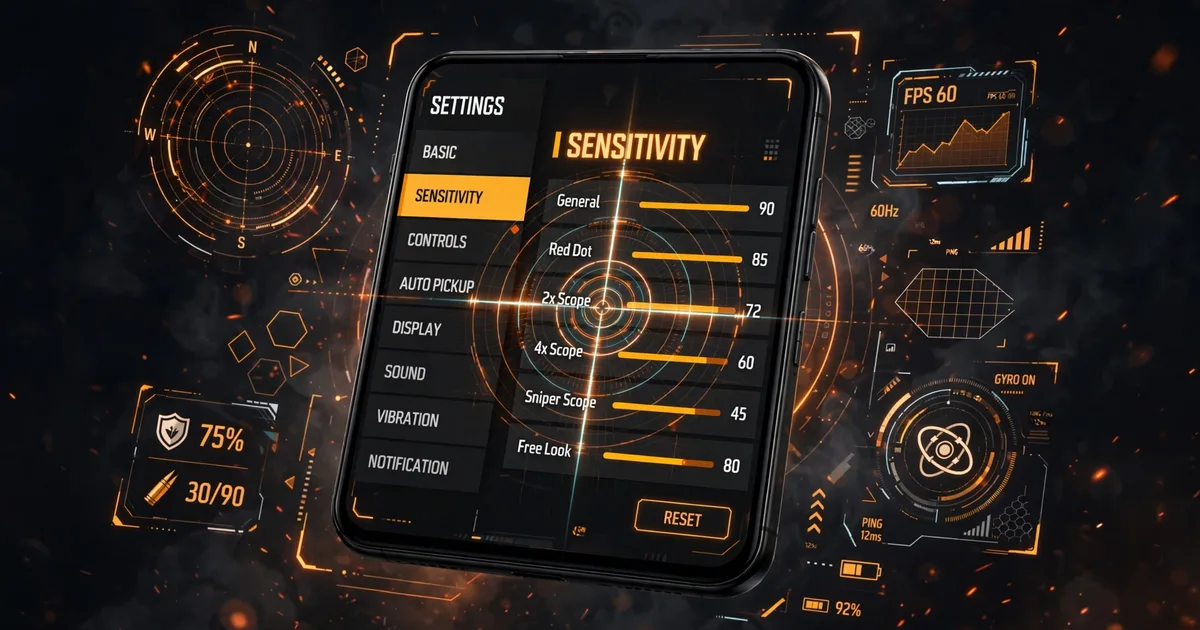
Enter these in Macro Panel APK's Sensitivity tab, tap apply, and launch Free Fire from inside the panel so the floating overlay stays active over the game. The values apply live, you can nudge them from the overlay between matches without restarting anything.
Why these numbers work
Free Fire headshots mostly come from the drag technique: you swipe up while firing so recoil climbs the crosshair onto the head. That swipe needs General sensitivity high enough to cover the distance in one thumb motion, but low enough that the crosshair stops on the head instead of flying past it. The 90-100 band is where that balance lives for most hands and most phones. Pair this with weapon-wise sensitivity for the complete setup.
Scoped values step down because magnification multiplies every twitch, a 4x scope at General-level sensitivity turns a tiny finger tremor into a full head-width of movement. Fast unscoped, progressively calmer scoped: that stepped shape is what every good setup shares. Once you have this down, move on to DPI settings for headshots.
Adjust for your phone
Two hardware traits change the feel most: refresh rate and screen size. On a 60Hz phone like the Galaxy A13, drop General to 90 and Red Dot to 75, the same values feel jumpier at lower frame rates. On 90/120Hz phones (Redmi Note 13 Pro, Pixel 8, Galaxy A55), the baselines feel right as written. On big 6.7-inch screens run General 3-5 points higher; on compact phones, 3-5 lower. The tuning drill below lands it precisely.
Weapon-wise sensitivity: the panel's real advantage
Macro Panel APK lets you set sensitivity per weapon class, its real edge over Free Fire's built-in sliders. Run SMGs (MP40, Vector) 5 points above your General baseline for their fast close fights, ARs (M4A1, AK) at baseline, and snipers 5-10 points below for precision. Configure AR/SMG first (80% of fights), then dial the sniper tab down until scoped drags "stick" to heads. Three tabs, SMG, AR, sniper, cover everything.
The 10-minute tuning drill
Baselines get you close; this drill makes the settings yours. Do it in Free Fire's training ground with the Macro Panel APK overlay open:
- Minutes 0-3: spray test. Empty an SMG mag into a wall target. Bullets climbing past the head? Lower General by 5. Dying below the chest? Raise it by 5.
- Minutes 3-6: drag test. Drag headshots on moving dummies. Overshooting? Drop General 5. Undershooting? Raise it.
- Minutes 6-8: scope test. Track a strafing dummy while scoped. Jittery crosshair? Lower that scope's value in 5-point steps until tracking feels smooth.
- Minutes 8-10: confirm. Run the drill end-to-end. If everything feels boring and predictable, you're done.
The golden rule: change one slider at a time, in 5-point steps. Changing three things at once teaches you nothing about which change helped.
Mistakes that ruin good settings
- Copying a pro's exact numbers. Their phone, hands, and HUD aren't yours. Use baselines, then tune.
- Maxing every slider. Past the point of control, sensitivity just converts misses into faster misses.
- Retuning daily. Give new settings a dozen matches, constant tweaking prevents muscle memory from forming.
- Ignoring HUD layout. Move your fire button and your drag distance changes. Finalize the HUD before tuning sensitivity.
How often should you revisit sensitivity?
Once tuned, good settings are stable for months, revisit only when you switch phones, an OB update changes aim feel, or you overhaul your HUD. Screenshot your final Macro Panel APK numbers somewhere safe; if an update ever resets them, you'll restore your aim in thirty seconds.
FAQs
Where do I enter sensitivity settings in Macro Space v5?+
Open the panel, go to the Sensitivity tab, and move the sliders for General, Red Dot, and each scope. Tap apply, then launch Free Fire from inside the panel so the overlay stays active. Changes take effect immediately, you can fine-tune from the floating panel without leaving the game.
Why do pro players' sensitivity settings feel terrible on my phone?+
Sensitivity is hardware-dependent: screen size, refresh rate, and touch sampling all change how the same number feels. A setting tuned on a 120Hz flagship will feel wild on a 60Hz budget phone. Use published numbers as a starting point, then run the 10-minute tuning drill below to adapt them to your device.
Should I set every sensitivity slider to maximum for faster headshots?+
No. Maximum sensitivity makes your crosshair overshoot the head and wobble during sprays. Headshots come from controlled drags, not the fastest possible camera, most strong players run General between 90 and 100, not maxed out, because control beats raw speed.
Does changing sensitivity in the panel increase ban risk?+
Sensitivity sliders are the lowest-risk feature in any panel. They adjust input values rather than automating actions, which is the behavior anti-cheat systems care about most. Keep the macro automation features off if you want the most cautious setup.

Viktor Kane , Gaming Performance Analyst
Viktor Kane has benchmarked 300+ gaming utility apps on real Android devices since 2020. He specializes in Free Fire performance tools, testing sensitivity panels and macro utilities on a rack of budget to flagship phones before any download button goes live.